

Creating game assets used to take hours, or even days, for a single character, environment, or concept. But that’s not the case anymore. Today, AI tools can speed up a lot of that work, whether you’re brainstorming ideas, creating concept art, generating textures, or building 3D models.
That doesn’t mean AI replaces artists. Instead, it helps game developers and designers get from idea to prototype much faster, leaving more time for refining and polishing the final assets.
The challenge is choosing the right tool. Some focus on concept art, others specialize in 3D generation, while a few try to cover the entire creative workflow.
To help you compare your options, we’ve looked at three of the best AI tools for game asset creation in 2026: Krea.ai, Leonardo AI, and Scenario.
Choosing the Right AI Tool for Game Assets
Not every AI tool is designed for the same job. Some are better for creating concept art, while others focus on 3D models, textures, or helping teams keep a consistent art style throughout a project.
Before choosing a tool, think about the kind of assets you create most often. If you want one platform that can handle a bit of everything, an all-in-one solution might make the most sense. If your workflow is more specialized, you may get better results from a tool that’s built for a specific task.
The three tools below each take a slightly different approach, but all of them can help speed up the game asset creation process.
1. Krea.ai
Why we picked it
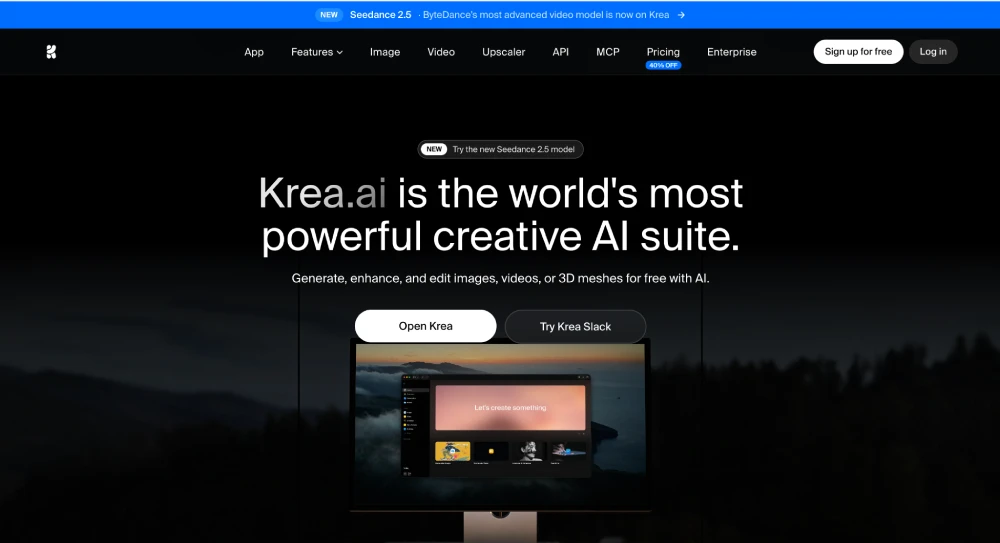
Krea.ai stands out because it covers almost every stage of game asset creation. Whether you’re designing characters, environments, props, textures, or early 3D concepts, you can do it all from one workspace instead of jumping between several different AI tools.
One thing that makes it especially useful for game development is the variety of creative tools it brings together. Besides image generation, you can edit artwork, upscale textures, generate 3D objects, train LoRAs, and even animate assets if you’re creating promotional content or trailers.
What can you create?
- Generate character, environment, and prop concepts
- Create and edit textures
- Generate early 3D assets with Text to 3D
- Upscale artwork up to 22K resolution
- Train custom LoRAs to match your game’s style
- Access more than 60 AI models, including Krea 2, Flux, Ideogram, Runway, Gemini, and Veo 3.1
- Clean interface that’s easy to learn
Things to keep in mind
Krea includes a huge number of creative tools, so it can take a little time to explore everything it offers. Some of the more advanced features, like workflow automation and unlimited LoRA training, are only available on higher-tier plans.
Best for: Developers and artists who want one platform for concept art, textures, 3D assets, and creative iteration.
2. Leonardo AI
Why we picked it
Leonardo AI has always had a strong following among game artists, and it’s easy to see why. It focuses heavily on creating high-quality visual assets, making it a great choice for everything from character concepts to environment art and in-game items.
Its biggest strength is giving artists plenty of control over the final look of an asset while keeping the generation process fast.
Standout features
- Character and creature design
- Environment and level concepts
- Props, weapons, and items
- Texture generation
- Custom AI models
- Canvas editing and refinement tools
Things to keep in mind
Leonardo is mainly focused on image creation, so if you also need video generation or 3D workflows, you’ll probably need additional tools.
Best for: Artists creating production-ready concept art and visual assets.
3. Scenario
Why we picked it
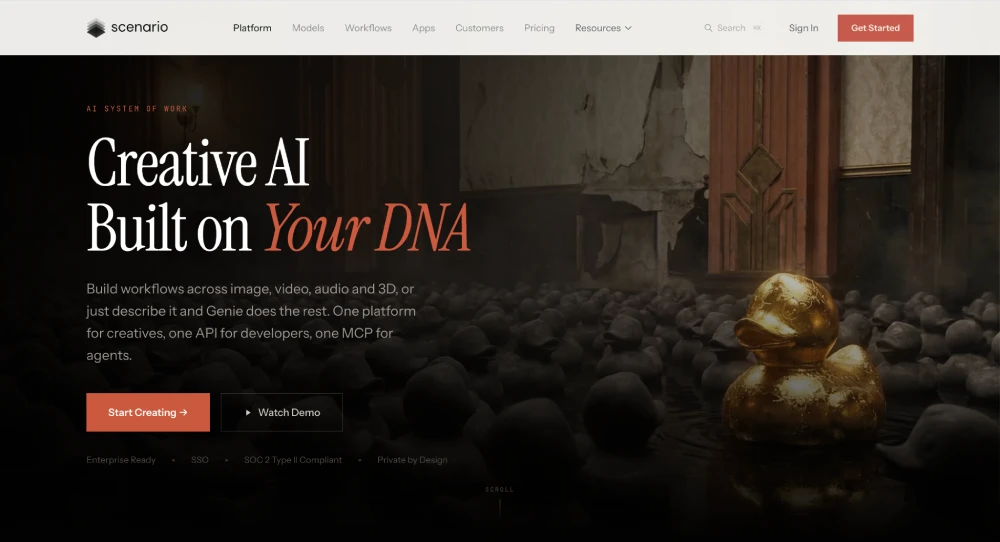
Scenario is built specifically for game studios that want their assets to stay visually consistent. Instead of creating random artwork every time, it lets teams train AI models on their own art style so new assets fit naturally into an existing game.
That’s especially useful for larger projects where consistency matters just as much as speed.
What makes it good for game development?
- Train custom AI models
- Generate assets in a consistent style
- Character, icon, and environment creation
- Batch generation
- Editing and inpainting tools
- Team-friendly workflows
Things to keep in mind
Scenario works best once you’ve already established your game’s visual style. If you’re still experimenting with ideas, a more general creative platform like Krea may give you more flexibility.
Best for: Studios building large libraries of consistent game assets.
Wrapping Up
There are plenty of AI tools that can help with game asset creation, but they all have their own strengths.
If you’re looking for one tool that can handle a bit of everything, Krea.ai is hard to beat. It brings together image generation, editing, 3D tools, and a huge range of AI models, making it a great choice for developers and artists who don’t want to juggle multiple platforms.
If your main focus is creating polished concept art and visual assets, Leonardo AI is another excellent option. And if you’re part of a studio that needs every asset to match the same art style, Scenario is definitely worth a look.
Whichever tool you choose, AI is best thought of as something that speeds up your workflow rather than replaces it. It can help you get ideas on screen faster, experiment with different styles, and spend less time on repetitive tasks, leaving you with more time to focus on building a great game.


Stellar Repair for MySQL Review: Recovering a Corrupted Magento MySQL Database When Backups and Force Recovery Fall Short
Magento stores an enormous amount of business-critical data in MySQL: product catalogs, customer records, orders, inventory, pricing rules, and everything…
Building the Ultimate Home Esports Setup for Competitive Play
The Australian esports landscape is evolving at a breakneck pace. The global esports market is forecast to reach a staggering…