

The idea of turning a static image into a moving video feels like magic. You upload a photo, press a button, and voilà—your still scene comes to life. For creators, marketers, and anyone dabbling in visual content, Image to Video tools promise to bridge the gap between effort and output. The appeal is obvious: why spend hours learning animation software or hiring professionals when AI can do it for you?
But as with most AI-based tools, the reality is a little more nuanced. The first few tries with an Image to Video AI generator can be thrilling, but they’re also likely to leave you with questions. Why doesn’t the output look as polished as you hoped? What’s the best way to use this for your specific needs? And, most importantly, how do you move past the initial novelty to make this tool genuinely useful?
Let’s explore what it’s really like to use an Image to Video AI tool, what beginners often misunderstand, and how to approach these tools with practical expectations.
The Allure of Instant Animation—and Its Limits
When people first try Image to Video AI, they often expect cinematic results right out of the gate. After all, the marketing promise is enticing: upload a photo, and the AI will create a video that looks like it was crafted by a professional animator. But here’s the first thing beginners often misjudge: AI-generated videos are not a one-click solution for polished, ready-to-publish content.
What you’ll typically notice after your first few experiments is that the results are more like rough drafts than finished products. The AI might animate parts of the image in ways that feel unnatural or overly exaggerated. For example, a serene landscape photo might turn into a video where the clouds swirl too quickly, or a person’s face might take on an uncanny, almost eerie movement. These tools excel at creating motion, but they don’t always understand the subtlety of what makes an animation feel “real.”
This isn’t a failure of the tool—it’s a reflection of where AI currently stands. AI is great at generating possibilities, but it still relies on human judgment to refine those possibilities into something meaningful. Understanding this distinction is key to making the most of these tools.
What Actually Gets Easier with Image to Video AI
While the promise of instant perfection might be misleading, there’s no denying that Image to Video AI can simplify certain aspects of the creative process. For one, these tools are excellent for jumpstarting ideas.
Let’s say you’re a social media manager tasked with creating engaging content for a brand. You’ve got a static product photo, but you need something more dynamic for Instagram Stories or TikTok. Instead of spending hours in Adobe After Effects or hiring a motion graphics designer, you can use an AI tool to create a quick animated version of the image. Maybe the background shifts slightly, or the product rotates in a subtle, eye-catching way. It might not be perfect, but it’s enough to test the concept and gauge audience interest.
Another area where these tools shine is low-cost experimentation. If you’re working on a tight budget, AI offers a way to explore creative ideas without committing significant resources. You can try multiple animations, tweak details, and iterate quickly—all without needing advanced technical skills.
Where Beginners Often Feel Frustrated
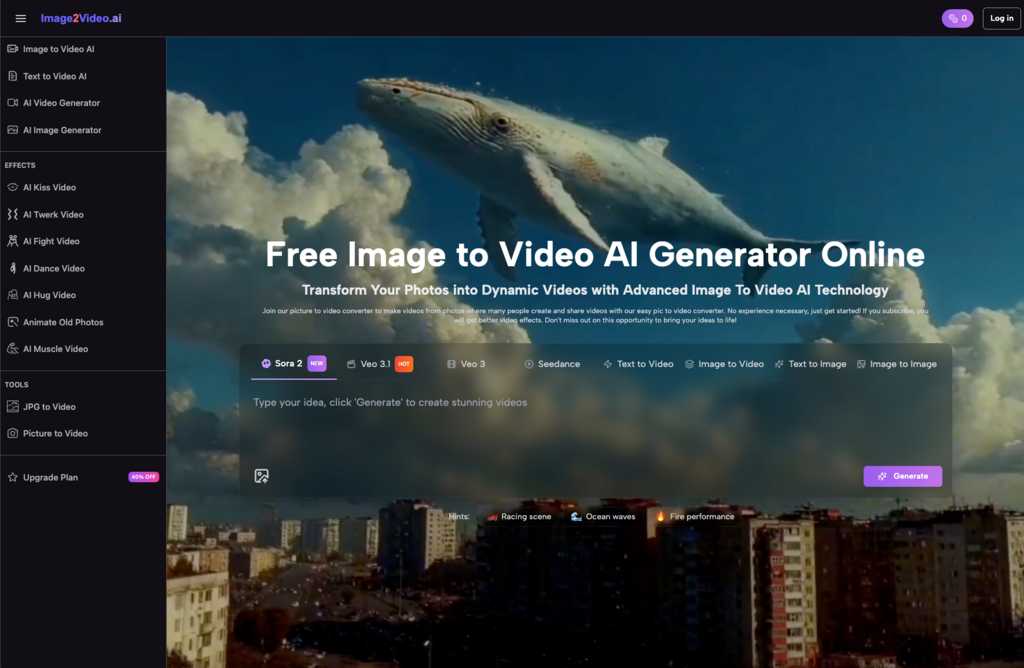
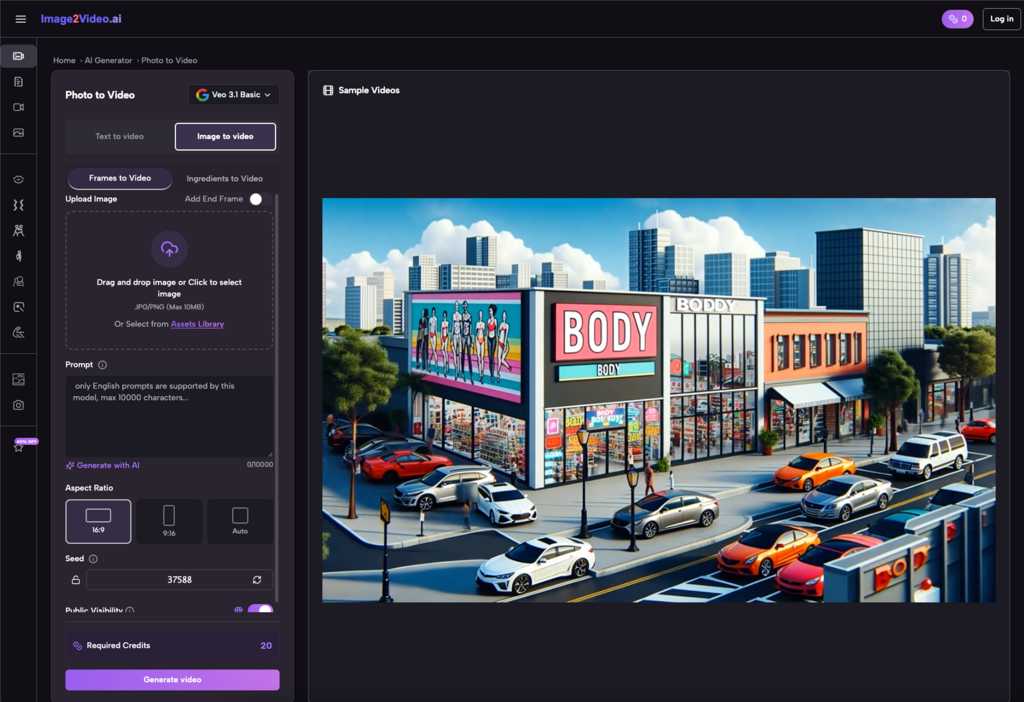
Despite their simplicity, Image to Video AI tools come with a learning curve. One of the most common points of friction is understanding the limits of automation. Beginners often assume the AI will “know” what they want, but the reality is that these tools are only as good as the input you provide.
For example, the AI might struggle to interpret complex images. A photo with multiple subjects or intricate details could lead to animations that feel chaotic or disjointed. Similarly, if the original image has low resolution or poor lighting, the AI’s output will reflect those flaws. The quality of the input directly impacts the quality of the output.
Another challenge is managing expectations around customization. While some tools allow you to adjust parameters like speed or motion intensity, the level of control is often limited compared to traditional animation software. This can be frustrating if you’re used to having complete creative freedom.
Finally, there’s the issue of repetition. After a few tries, you might notice that the AI tends to produce similar types of animations. This isn’t necessarily a dealbreaker—especially if you’re using the tool for quick, repetitive tasks—but it does mean that the novelty can wear off if you’re looking for highly unique results.
How to Approach Image to Video AI Without the Hype
So, how can you make the most of these tools without falling into the trap of unrealistic expectations? Here are a few practical tips:
- Start with clear goals. Before you upload an image, ask yourself: What am I trying to achieve with this animation? Are you looking to add subtle motion to enhance an image’s impact, or are you experimenting with more dramatic effects? Having a clear purpose will help you evaluate whether the tool is delivering value.
- Choose your images carefully. Not every photo is a good candidate for animation. Simple, high-quality images with clear focal points tend to work best. If your photo is cluttered or poorly lit, the AI will have a harder time creating a convincing video.
- Embrace iteration. Think of the AI’s output as a starting point, not the final product. You might need to experiment with different images, settings, or even post-process the video in another tool to achieve the desired result. The more you experiment, the better you’ll understand what works—and what doesn’t.
- Focus on the right use cases. These tools are particularly effective for tasks like creating quick social media visuals, testing creative concepts, or adding subtle animations to existing content. If you’re expecting Hollywood-level animation, you’re likely to be disappointed.
- Balance speed with quality. One of the biggest advantages of Image to Video AI is how quickly it can produce results. But speed isn’t everything. Take the time to review the output critically and make adjustments as needed. The decision is less about the tool itself and more about how you use it.
Where Human Judgment Still Matters
Even as AI tools become more sophisticated, there are aspects of animation that still require a human touch. For instance, understanding the emotional tone of a video—whether it’s meant to feel playful, dramatic, or calming—is something AI can’t fully grasp. You might need to adjust the motion, add music, or tweak the pacing to ensure the video aligns with your vision.
Additionally, context matters. An animation that works perfectly for a lighthearted social media post might feel out of place in a professional presentation. It’s up to you to decide when and where AI-generated videos make sense.
The Takeaway: Realistic Early Adoption
If you’re new to Image to Video AI, the key is to approach it with curiosity and a healthy dose of skepticism. These tools are incredibly useful for certain tasks, but they’re not a replacement for creativity, skill, or human judgment. Think of them as a way to speed up the early stages of your workflow, not as a magic wand for perfect animations.
Over time, you’ll likely find that your expectations shift. What feels like a novelty at first becomes a practical tool for specific scenarios. The real value lies not in what the AI can do on its own, but in how you use it to enhance your creative process.
Related Post: AI Video Creation Tools Are Transforming How Digital Content Is Produced


How to Update Your Resume After a Layoff
It often starts with a fifteen-minute calendar invite called “Quick sync” and an HR person you’ve never met on the…
Using Nano Banana: When to Generate, Edit, or Remove a Background
Imagine preparing three images for a shop that sells desk lamps: a reading-corner illustration for its blog, a product photograph…