


Most people approach an AI video generator the same way they approach a new camera: they expect it to work like the tool they already know, just faster. That assumption breaks almost immediately. Not because the tool is bad. But because the mental model doesn’t transfer.
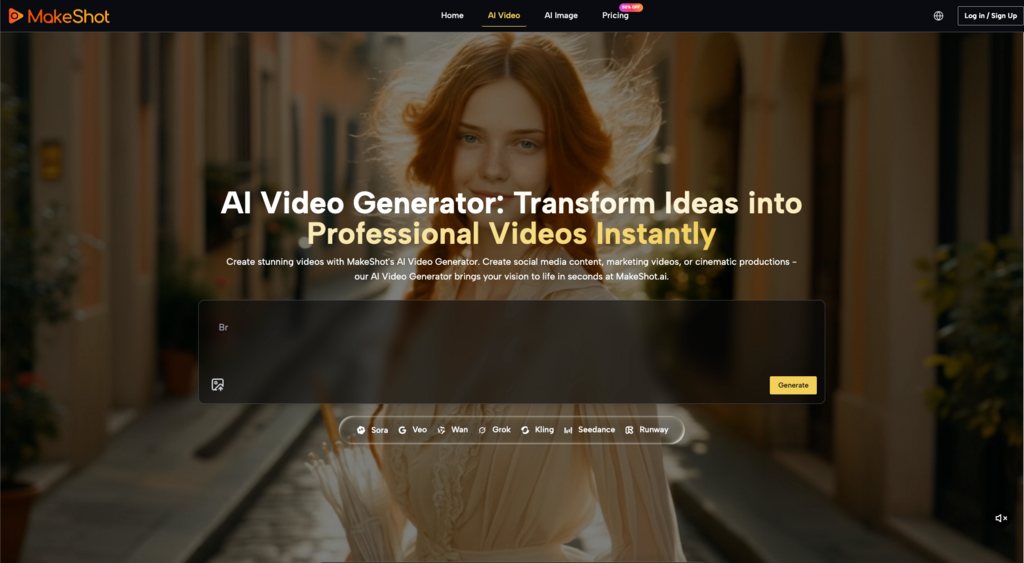
MakeShot positions itself as an all-in-one AI studio – videos and images from a single platform, powered by models like Veo 3 and Sora 2. On the surface, that sounds like consolidation. One login. One interface. One place to experiment. But what actually happens in those first few weeks of use is more complicated than the pitch suggests. And understanding that complication is what separates people who stick with these tools from people who try them once and move on.
The Expectation That Shifts After Your First Real Project
When you first generate a video or image using an AI tool, the experience is almost always underwhelming in a specific way. Not because the output is bad. Often it’s genuinely useful. But because it doesn’t feel like creation. It feels like retrieval.
You write a prompt. You wait. You get back something that exists. You didn’t make it in the traditional sense—you described it, and the system produced it. That’s a real difference, and it takes a few attempts before most people stop being surprised by it.
What tends to happen after those initial experiments is a shift in how you think about the tool’s role. You stop asking, “Can this replace my video editor?” and start asking, “What can this do that would actually save me time in my existing workflow?” Those are completely different questions. The first one sets you up for disappointment. The second one is where realistic value lives.
For someone working on social media content, product mockups, or quick visual concepts, that value can be substantial. An AI video generator can produce a rough draft in minutes instead of hours. But “rough draft” is the operative phrase. What people often notice after a few tries is that the tool excels at generating starting points, not finished work. That’s not a flaw. It’s just not what the marketing language usually emphasizes.
Where the Speed Advantage Actually Appears
The practical benefit of consolidating video and image generation into one platform isn’t that it makes you faster at everything. It’s that it reduces friction in a specific kind of workflow: ideation and iteration.
If you’re testing whether a particular visual direction works before committing production time to it, an AI video generator can compress that feedback loop. Instead of building a storyboard, shooting footage, and editing – a process that might take days – you can generate five variations of a concept in an hour. Then you pick the direction that resonates, and you either refine it further with the tool or hand it off to a human editor with a clear direction.
That workflow only works if you’re comfortable with the tool’s output quality as a starting point, not a final product. And that comfort level varies wildly depending on what you’re making. A social media teaser? Probably fine. A product demo that needs to communicate specific technical details? Probably not. The decision is less about the tool itself and more about whether your audience’s expectations align with AI-generated visual quality.
The consolidation aspect – having both video and image generation in one place – matters here because it means you’re not context-switching between platforms. You’re not managing separate logins, different interfaces, or learning two different prompt styles. That sounds minor until you’re in your tenth iteration of a concept and you just want to stay in one environment.
What Beginners Misjudge About Prompt Precision
There’s a persistent belief among people new to AI image and video tools that better prompts always produce better results. More detail. More specificity. More adjectives. The logic is intuitive: you’re describing what you want, so describe it better.
In practice, what people often discover is that prompting is less like technical writing and more like negotiation. You’re not instructing a system with perfect comprehension. You’re suggesting a direction to a system that interprets language in ways that don’t always align with your intent.
That means your first prompt rarely produces your best output. You generate something. You notice what worked and what didn’t. You adjust. And, you generate again. That iterative cycle is where the actual work happens. And it’s the part that usually takes longer than expected.
Someone expecting to write one perfect prompt and receive one perfect video will be frustrated. Someone expecting to spend 20 minutes refining their direction through trial and error will find the tool more useful. The difference isn’t about the tool’s capability. It’s about realistic expectations for how AI-assisted creation actually feels.
The Part Where Human Judgment Still Matters Most
An AI video generator can produce visual content quickly. What it cannot do – and what the product description doesn’t claim to do – is make decisions about whether that content serves your actual goal.
If you’re generating a video to test a visual concept, you still need to evaluate whether the output communicates what you intended. If you’re creating product imagery, you still need to assess whether it accurately represents the product and aligns with your brand. Also, if you’re making social content, you still need to judge whether it fits your audience’s expectations and your platform’s norms.
Those judgments require context and experience that the tool doesn’t have. And they’re the part where most people’s time actually goes, even when the generation itself is fast.
What this means practically: if you’re considering an AI video generator because you want to eliminate creative decision-making, you’ll be disappointed. If you’re considering it because you want to eliminate the mechanical, repetitive parts of production – the rendering, the waiting, the re-exporting – then you’re looking at the tool’s actual value proposition.
The Consolidation Question: Does One Platform Actually Help?
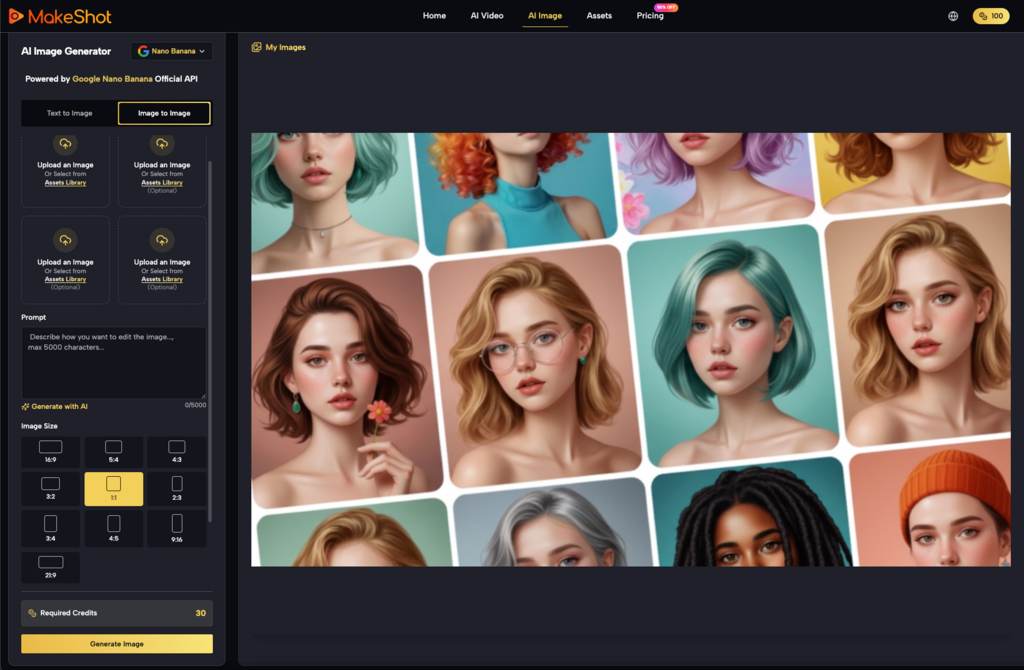
MakeShot’s positioning as an all-in-one studio raises a reasonable question: is it better to have video and image generation in one place, or does it matter?
The honest answer is: it depends on your workflow. If you’re someone who generates images and videos sequentially as part of the same project, having them in one platform reduces friction. You’re not switching contexts. If you’re someone who primarily generates images or primarily generates videos, and rarely needs both, the consolidation is irrelevant to your actual use.
Where the consolidation becomes genuinely useful is in the early exploration phase. When you’re not sure whether you need a video or a static image, or when you want to generate both to compare approaches, having both options available without leaving the platform is a minor but real convenience.
That said, convenience is not the same as necessity. People successfully use separate tools for separate tasks all the time. The question isn’t whether consolidation is objectively better. It’s whether it aligns with how you actually work.
What Matters More Than the Tool Itself
After the first few weeks of using an AI video generator, the tool’s specific features matter less than your willingness to treat it as one input in a larger creative process.
People who get sustained value from these tools tend to share a pattern: they’ve already identified a specific problem – a bottleneck in their workflow, a type of content they need to produce regularly, a phase of their process that’s repetitive. Then they evaluate whether the tool addresses that specific problem. They’re not looking for transformation. They’re looking for friction reduction.
That’s a more modest ambition than most marketing language suggests. But it’s also the one that tends to hold up after the novelty wears off.
The real test of whether MakeShot or any AI video generator is worth your time isn’t how impressive the first output is. It’s whether you’re still using it three months later because it genuinely saves you time on something you do regularly. Everything else – the interface, the model names, the positioning – is secondary to that question.
Also Read: How to Listen Apple Music Offline (Guide for 2026)


Third-Party vs Comprehensive Insurance: Finding the Right Cover for Your Scooter
Your scooter needs reliable insurance that can provide financial protection when any unexpected situation arises. Third-party and comprehensive policies provide…

How to Compare Health Insurance Claim Settlement Ratios?
A health insurance claim settlement ratio can appear to offer a quick answer about an insurer’s reliability, but one percentage…