


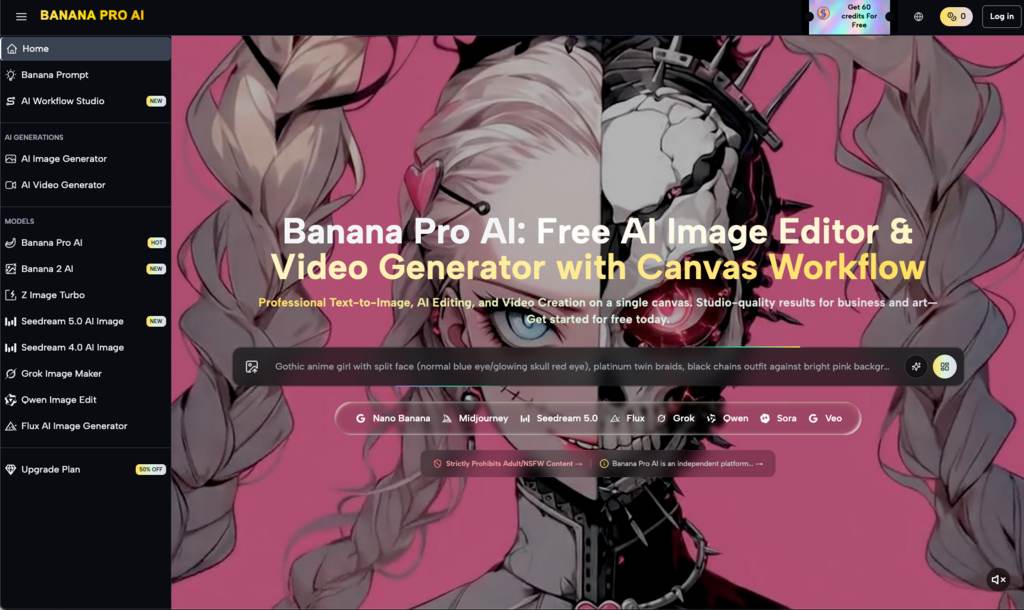
AI image generation tools like Banana Pro AI are becoming increasingly popular, especially as creators, marketers, and small business owners look for faster ways to create visuals. The promise is irresistible: type in a few words or upload a rough sketch, and out comes a stunning image. But for those new to AI-assisted visual workflows, the reality often feels more complicated than the hype suggests.
Whether you’re a solo creator trying to craft quick social media visuals or a small business owner experimenting with product image ideas, the first few attempts at using AI tools can be both exciting and unexpectedly frustrating. This article explores how beginners might approach a tool like Banana Pro AI, what they often misunderstand, and where human judgment still plays an essential role.
The First Misstep: Assuming AI Is “Set It and Forget It”
One of the most common beginner misconceptions about AI image generators is that they’ll instantly deliver the perfect result. Tools like Banana Pro AI, which offer text-to-image and image-to-image capabilities, are often marketed as quick and easy solutions. And while it’s true that AI can produce visually impressive results in seconds, those results don’t always align with what you had in mind.
For instance, let’s say you’re a small business owner who wants to create a social media post for a new product. You type in a prompt like “modern, minimalist coffee mug on a wooden table.” The AI generates an image, but the mug might have an odd handle, or the lighting doesn’t quite match the mood you envisioned. At this point, beginners often feel stuck. They assume the tool has failed or that they need to switch to a different one.
What’s really happening here is a gap between expectation and reality. AI tools don’t read minds—they interpret language. And the way you phrase your prompt has a massive impact on the output. Learning how to craft effective prompts is a skill in itself, one that takes time, experimentation, and a bit of patience.
Where AI Speeds Things Up – and Where It Slows You Down
AI tools like Banana Pro AI excel at generating quick drafts. If you need a starting point for a creative project, they can save you hours of work. Instead of staring at a blank canvas, you can generate multiple concepts in minutes. This is especially useful for tasks like:
- Social media visuals: A quick way to test different styles for Instagram posts or ads.
- Concept art: Turning a rough idea into a visual reference for further refinement.
- Mood boards: Creating a cohesive set of images to guide a larger project.
But here’s where things get tricky: the refinement process. While AI can generate images quickly, it often gets details wrong—hands with too many fingers, faces with distorted features, or objects that look slightly “off.” Fixing these issues can take longer than you expect, especially if you’re new to editing tools or don’t have a clear idea of what you want.
This is where human judgment comes in. You’ll need to decide whether to tweak your prompt and try again, use an AI image editor to fix the issues, or scrap the result and start over. The speed of AI is undeniable, but the trade-off is that you may spend just as much time refining the output as you would creating something manually—at least in the beginning.
The Learning Curve: Trial, Error, and Discovery
For first-time users, the learning curve with AI image tools isn’t about figuring out the interface. Most platforms, including Banana Pro AI, are designed to be user-friendly. The real challenge is learning how to communicate with the AI in a way that gets you the results you want.
Here’s what typically happens during the first month of using an AI image generator:
- Excitement and experimentation: You start with simple prompts, amazed at how quickly the AI produces something visually appealing.
- Frustration with limitations: You notice that the AI struggles with complex requests or specific details. For example, it might not understand abstract concepts or produce consistent results across multiple images.
- Refinement of approach: You begin to experiment with more precise language, breaking down your ideas into smaller, clearer prompts. You might also start using the image-to-image feature to guide the AI more effectively.
- Realistic expectations: Over time, you learn what the tool is good at and where it falls short. You stop expecting perfection on the first try and instead use the AI as a collaborator rather than a replacement.
This process can be frustrating, but it’s also where the real value lies. The more you use the tool, the better you’ll get at leveraging its strengths and working around its weaknesses.
When to Trust the AI – and When to Trust Yourself
One of the most important lessons for beginners is understanding where AI can genuinely help and where it’s better to rely on human judgment.
Where AI Helps:
- Speed: Need 10 different ideas for a single concept? AI can generate them faster than a human ever could.
- Exploration: AI can push you out of your creative comfort zone by suggesting styles or compositions you wouldn’t have considered.
- Repetition: If you need multiple variations of the same image, AI can handle the grunt work.
Where Human Judgment Matters:
- Context: AI doesn’t understand your brand, audience, or goals. It might generate a beautiful image, but it’s up to you to decide if it fits your needs.
- Details: AI often struggles with fine details, like human anatomy or text within an image. These are areas where human intervention is usually required.
- Ethics: AI-generated images can sometimes unintentionally borrow heavily from existing works, raising questions about originality and copyright. It’s your responsibility to ensure the final product is ethical and legally compliant.
What Banana Pro AI Can—and Can’t—Tell You About Its Value
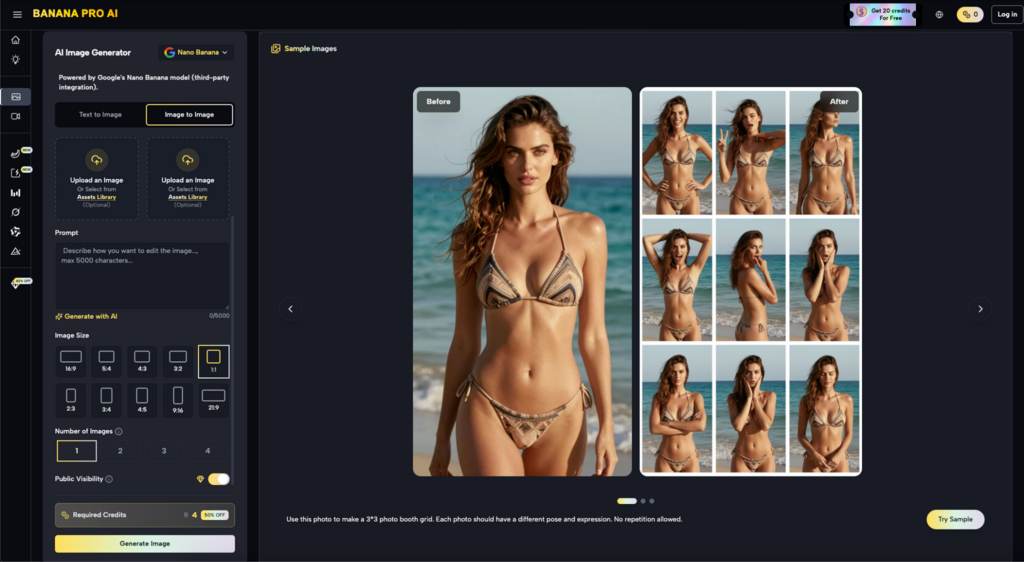
Based on the limited information available, Banana Pro AI positions itself as a free, easy-to-use tool for generating stunning images. But without more details about its specific features or capabilities, it’s hard to draw firm conclusions about its overall value.
For example, we don’t know:
- How customizable the image-to-image conversion process is.
- Whether the tool includes advanced settings for fine-tuning outputs.
- How well it handles complex or abstract prompts compared to other AI tools.
What we can infer, however, is that Banana Pro AI is likely a good starting point for beginners. Its free access removes the barrier of cost, making it an accessible option for those who want to dip their toes into AI-assisted design without committing to a paid platform.
That said, users should approach any free tool with a healthy dose of skepticism. Free platforms often come with limitations, whether it’s watermarked images, lower resolution outputs, or fewer customization options. These are factors to consider as you evaluate whether Banana Pro AI meets your needs.
A Realistic Takeaway for First-Time Users
If you’re new to AI image generation, tools like Nano Banana can be a fantastic way to get started. They’re fast, fun, and often surprisingly capable. But they’re not magic. The process of creating high-quality visuals still requires time, effort, and a willingness to experiment.
Think of AI as a creative partner rather than a replacement. It can inspire you, speed up your workflow, and help you explore new ideas. But at the end of the day, it’s your vision, your judgment, and your ability to refine that will determine the quality of the final result.
So, if you’re considering trying Banana Pro AI, go in with an open mind and realistic expectations. Use it as a tool to spark creativity, not as a shortcut to perfection. And most importantly, give yourself permission to make mistakes—it’s in the trial and error that you’ll discover what works best for you.
Also Read: How to Download Spotify Playlist to MP3 (Step-by-Step Guide)


How to Keep Accurate Mileage Records With a Mileage Log App
Keeping accurate mileage records is an important part of managing business travel, vehicle expenses and tax documentation. Whether you are…
Amazon Vine Login: Official Access and Sign-In Help
For Amazon Vine login in the United States, start at the Amazon Vine portal and sign in with the Amazon…