

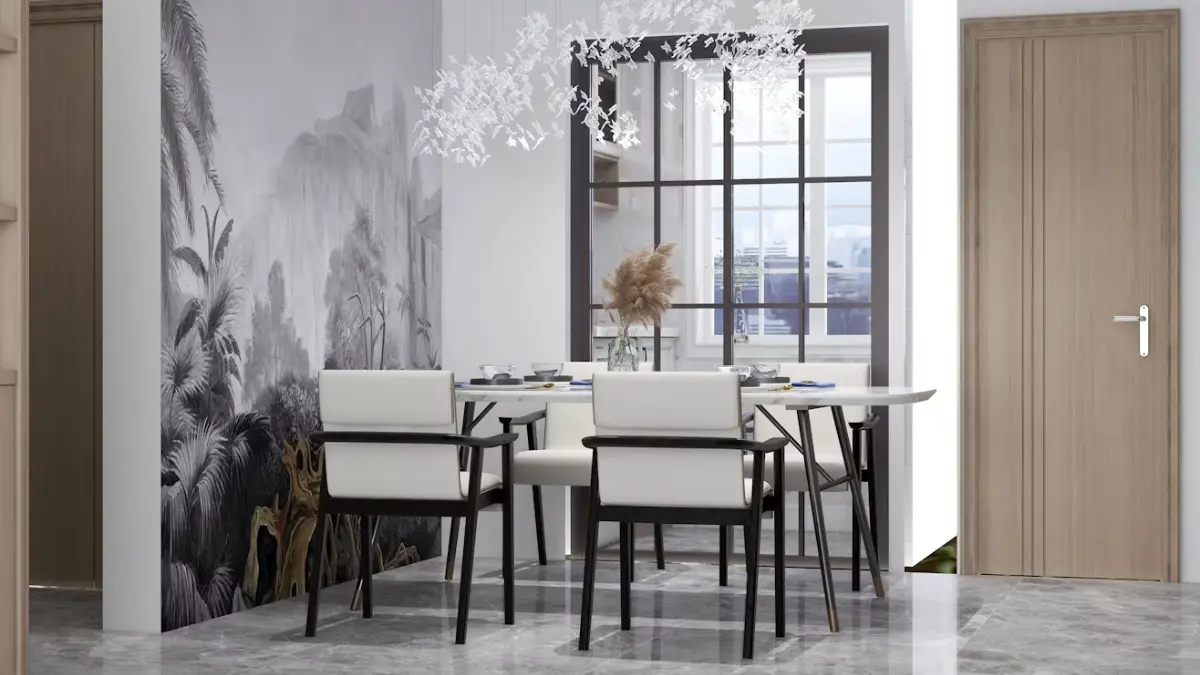
Smart home design works best when technology feels like a natural part of the room. Lighting controls, heating systems and connected security can improve daily life, yet their visual impact deserves as much thought as their technical specifications.
A carefully planned home keeps controls intuitive, cables discreet and finishes consistent with the wider interior. The result is a space that feels comfortable now and remains practical as devices and standards change.
The Evolution of Smart Home Tech
Early home automation often relied on specialist wiring, central control panels and professional programming, a stark contrast to modern options like smart switches. Modern systems are far more accessible. Wireless protocols, smartphone apps and voice control let people manage lighting, heating and appliances without rebuilding an entire property.
The next stage will involve devices responding more intelligently to household routines. Forecasts for the future of smart homes include systems that anticipate needs using sensors and connected data. A heating system might lower the temperature when everyone leaves, while blinds could adjust according to sunlight.
Even so, physical controls remain useful. Guests shouldn’t need an app to switch on a lamp, and essential functions should keep working if the internet connection drops.
Beyond Gadgets: Aesthetics Matter
Visible technology affects the character of a room. A bright plastic control panel can look awkward beside timber cabinetry, traditional plasterwork or carefully chosen furniture. Treat switches, sockets and control screens as part of the interior scheme from the start.
Begin by listing every visible fitting in each room. Include dimmers, charging points, thermostats and door furniture. You can then select a restrained finish palette, usually one or two related materials across the property.
For a warm, established look, architectural hardware in antique brass can connect electrical fittings with door and cabinet details. Repeating the same finish creates visual continuity, especially in open-plan areas where several zones can be seen at once.
Integrating Hardware for Cohesive Looks
Plan the position of controls before walls are decorated or cabinetry is installed. A switch placed several centimetres out of line with a door frame may seem minor on a drawing, but it becomes surprisingly noticeable once the room is finished.
A room-by-room hardware schedule can prevent these inconsistencies. Record:
- The location and height of each switch, socket and control
- The chosen plate style and finish
- Devices that need permanent power or network access
- Areas where cables, hubs or chargers can be concealed
Thoughtful smart technology integration also considers how people move through a space. Put controls near natural entry points and group related functions together. In a bedroom, for example, bedside controls could operate reading lights, main lighting and blinds without crowding the wall.
Longevity in Design and Function
Connected products don’t all age at the same rate. A well-made switch plate or door handle may stay in place for decades, while a hub or display could need replacing after five years. Separating durable fittings from short-lived electronics makes future updates easier and less wasteful.
Choose systems that allow individual parts to be changed. Accessible cable routes, standard back boxes and removable control modules can save considerable disruption later. Keep hubs in a ventilated cupboard with clear labels, not sealed behind fitted furniture.
The same principle applies to style. Simple shapes and established finishes tend to sit comfortably alongside changing paint colours and furnishings. Before committing to a highly distinctive control panel, check whether replacement faceplates and compatible modules are readily available.
Future-Proofing Your Living Space
No home can be prepared for every technical development, but flexible infrastructure gives you more options. Run network cabling to fixed workspaces, media areas, and locations that may later hold access points. Empty conduit is also inexpensive during renovation and can accommodate future cables without opening finished walls.
Keep a record of device names, installation dates, warranties and account details. Store this separately from the connected system, and note which functions still work manually. Regular software updates matter too, particularly for products linked to entry controls, cameras or household data.
Before buying another connected device, check its compatibility, support policy and offline controls. A smart home should remain easy to live in when an app changes or a service closes. Good planning leaves the technology free to evolve while the rooms retain their familiar character.
Also Read: How to Keep Accurate Mileage Records With a Mileage Log App


Using Nano Banana: When to Generate, Edit, or Remove a Background
Imagine preparing three images for a shop that sells desk lamps: a reading-corner illustration for its blog, a product photograph…

How to Keep Accurate Mileage Records With a Mileage Log App
Keeping accurate mileage records is an important part of managing business travel, vehicle expenses and tax documentation. Whether you are…