

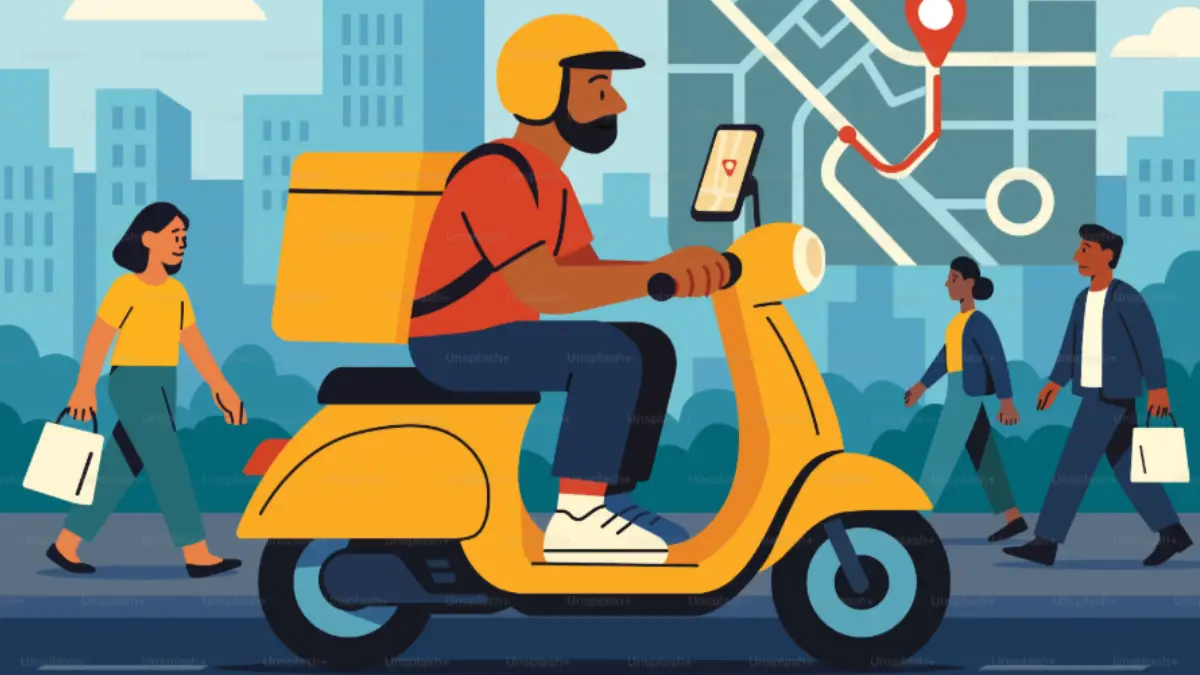
Food businesses can track miles across multiple delivery stops by recording the distance driven between each stop, assigning those miles to the correct delivery route or vehicle, and keeping a consistent mileage record for business travel. A digital mileage tracking system can capture route miles automatically, reducing the need to reconstruct multi-stop trips from memory or paper notes. Food & Beverage vehicle tracking also gives businesses a clearer record of how vehicles are being used across restaurants, catering operations, food distributors, bakeries, and other delivery-based businesses.
For teams managing several deliveries in one trip, accurate mileage records provide more than a total distance figure. They can show where vehicles traveled, how many stops were completed, and how much driving was connected to business activity. Mileage Tracker can help organize these records so businesses have a reliable mileage history for their delivery operations.
Why Multi-Stop Mileage Needs a Clear Tracking Method
A delivery route rarely consists of one simple trip from a business location to one customer and back. A driver may collect products from a kitchen, deliver to several restaurants, stop at a catering venue, return to a warehouse, and make another business-related trip before finishing the day.
Adding up the mileage manually can become difficult because several destinations may be involved in the same journey. A driver may also take a different route because of road closures, customer instructions, traffic conditions, or changes to the delivery schedule.
A proper tracking method should capture the actual distance driven rather than relying on an estimated route. Each business-related segment should remain identifiable so the total mileage can be reviewed later.
For example, a delivery vehicle might travel:
Kitchen → Restaurant A → Restaurant B → Catering Venue → Restaurant C → Kitchen
Instead of recording only the total miles for the day, the business can maintain a route record that connects each segment to the same delivery trip. This creates a clearer picture of how much driving was required to complete the work.
Start With the Complete Delivery Route
The first step is to define what counts as one delivery route. This prevents individual stops from being recorded inconsistently.
A route can begin at a restaurant, central kitchen, warehouse, bakery, food production facility, or another business location. Every business-related stop that follows should be associated with that route until the vehicle returns to its designated location or begins a separate trip.
A consistent route structure can include:
- Starting location and vehicle departure
- Mileage driven to the first delivery
- Distance between each delivery stop
- Additional business-related stops
- Return mileage to the business location
This structure makes multi-stop mileage easier to review because every part of the journey belongs to a defined trip.
Businesses should also establish clear rules for mixed-use travel. If a driver makes a personal stop during a delivery route, that portion should not automatically be treated as business mileage. Keeping business and personal travel separate helps maintain cleaner records.
Record Delivery Route Miles as They Happen
Recording miles immediately is generally more reliable than trying to recreate a route later. Manual logs can work for small operations, but they require drivers to enter starting and ending mileage accurately and identify every relevant stop.
Digital mileage tracking can reduce that administrative work by recording trips through a mobile device or connected tracking system. Depending on the system used, a business may be able to review the route, distance traveled, trip date, and other relevant information from a central dashboard.
For food businesses, this is particularly useful when several vehicles operate at the same time. Managers can review individual vehicle records instead of collecting separate handwritten logs from every driver.
The objective is not simply to collect a large mileage number. The record should provide enough context to explain what the miles represent.
Keep Every Stop Connected to the Same Trip
Multiple deliveries create a common recordkeeping problem: the individual stops can become disconnected from the overall route.
Suppose a driver completes six deliveries during one shift. Recording six separate destinations without showing the order of travel makes it harder to determine how the total mileage was generated.
A better record connects the stops chronologically:
Business location → Stop 1 → Stop 2 → Stop 3 → Stop 4 → Stop 5 → Stop 6 → Business location
This makes the delivery route miles easier to verify and gives managers a clearer understanding of the actual trip.
Route records can also help identify unusual mileage. A route that normally follows a similar pattern may suddenly show significantly more distance because a delivery was added, a destination changed, or the driver had to take an alternate road.
Separate Delivery Miles From Other Vehicle Use
Food delivery vehicles are not always used exclusively for deliveries. A van may also be used to collect ingredients, transport equipment, visit suppliers, or complete administrative errands.
Combining every trip into one mileage total makes the record less useful. Businesses should classify trips based on their actual business purpose.
For example, mileage can be grouped into categories such as:
- Customer and restaurant deliveries
- Supplier or ingredient pickups
- Catering and event transportation
This classification allows managers to see how vehicles are being used rather than looking at mileage as one undifferentiated figure.
It can also make internal reporting easier. A business can compare delivery mileage with supplier-related travel and other business trips without having to reconstruct the purpose of each journey.
Use Mileage Data to Review Food Delivery Routes
Accurate mileage records can reveal patterns in food delivery routes that may not be obvious from a delivery schedule alone.
A route with many stops may appear efficient because the destinations are close together, yet the actual driving distance could be higher because of the order in which deliveries are completed. Conversely, a route covering several locations may produce relatively low mileage when the stops are grouped logically.
Mileage data can therefore be reviewed alongside delivery locations and stop sequences. Managers can examine:
- Total miles driven for a route
- Miles between individual stops
- Number of delivery stops
- Repeated routes and destinations
- Unusual mileage compared with similar trips
The purpose is not to judge drivers based on mileage alone. A longer route can have a legitimate reason, such as an additional delivery, customer request, road restriction, or required pickup.
Make Vehicle Records Easier to Review
A useful mileage system should make historical records easy to locate. Food businesses may need to review mileage by vehicle, driver, route, date, or trip purpose.
Mileage Tracker can support this type of organized recordkeeping by giving businesses a central place to manage mileage information instead of relying entirely on scattered notes or spreadsheets.
Good records should answer basic questions without requiring extensive manual research:
Which vehicle traveled? Where did it go? How far did it travel? When did the trip occur? What business activity was connected to the mileage?
The more consistently these details are recorded, the easier it becomes to review delivery operations and maintain accurate mileage documentation.
Account for Route Changes and Added Stops
Delivery schedules often change after a vehicle has already left the business location. A customer may request an additional delivery, an order may be redirected, or a driver may need to return to the kitchen for another item.
These changes should remain part of the mileage record rather than being treated as separate information.
For example, if a driver starts with four planned deliveries and receives a fifth delivery request during the route, the final mileage record should reflect the actual route completed. Recording only the original itinerary can leave the mileage record inconsistent with what the driver actually did.
Automatic trip tracking can be particularly useful here because the record follows the vehicle’s actual movement rather than depending entirely on the original delivery plan.
Review Mileage Across Vehicles
Businesses with several delivery vehicles can use mileage records to compare how each vehicle is being used. This does not mean that every vehicle should have identical mileage. Different routes, service areas, vehicle assignments, and delivery volumes naturally produce different results.
The value comes from having consistent records across the fleet.
Managers can review mileage to identify vehicles that regularly handle longer routes, vehicles that make frequent short trips, and vehicles that are used for multiple business purposes. These records can support decisions about route assignments and vehicle scheduling without relying on assumptions.
A consistent tracking process also gives drivers the same expectations for recording business mileage, which helps keep records organized across the operation.
Build a Reliable Mileage Routine
Technology can simplify mileage tracking, but businesses still need a clear process for using the information. Drivers should know which trips count as business travel, how personal mileage is handled, and how route changes should be recorded.
Managers should also review records periodically rather than allowing mileage information to accumulate without oversight. Small discrepancies are easier to investigate while the trip details are still available.
A practical routine includes three parts: capture the trip, classify the business purpose, and review the completed record. Keeping those steps consistent creates a dependable mileage history without adding unnecessary administrative work.
Make Every Delivery Mile Accountable
Multiple delivery stops can make mileage tracking complicated, but the underlying process is straightforward: capture the actual route, connect every business-related stop to the trip, separate personal travel, and maintain organized records.
For food businesses, accurate mileage information can provide a clearer view of how delivery vehicles are used across different locations and routes. It also gives managers a dependable record instead of forcing them to estimate distances after a route has been completed.
A consistent tracking system can make that process easier to manage as daily deliveries change. Businesses can get started for free with a mileage tracking routine that records each trip accurately and keeps route information organized from the first stop to the final destination.
Also Read: How AI Image Generation Is Changing the Way We Create Visual Content
How Food Businesses Can Track Miles Across Multiple Delivery Stops

How Food Businesses Can Track Miles Across Multiple Delivery Stops
Food businesses can track miles across multiple delivery stops by recording the distance driven between each stop, assigning those miles…

Smart Home Design: Blending Tech with Timeless Style
Smart home design works best when technology feels like a natural part of the room. Lighting controls, heating systems and…