

Overview
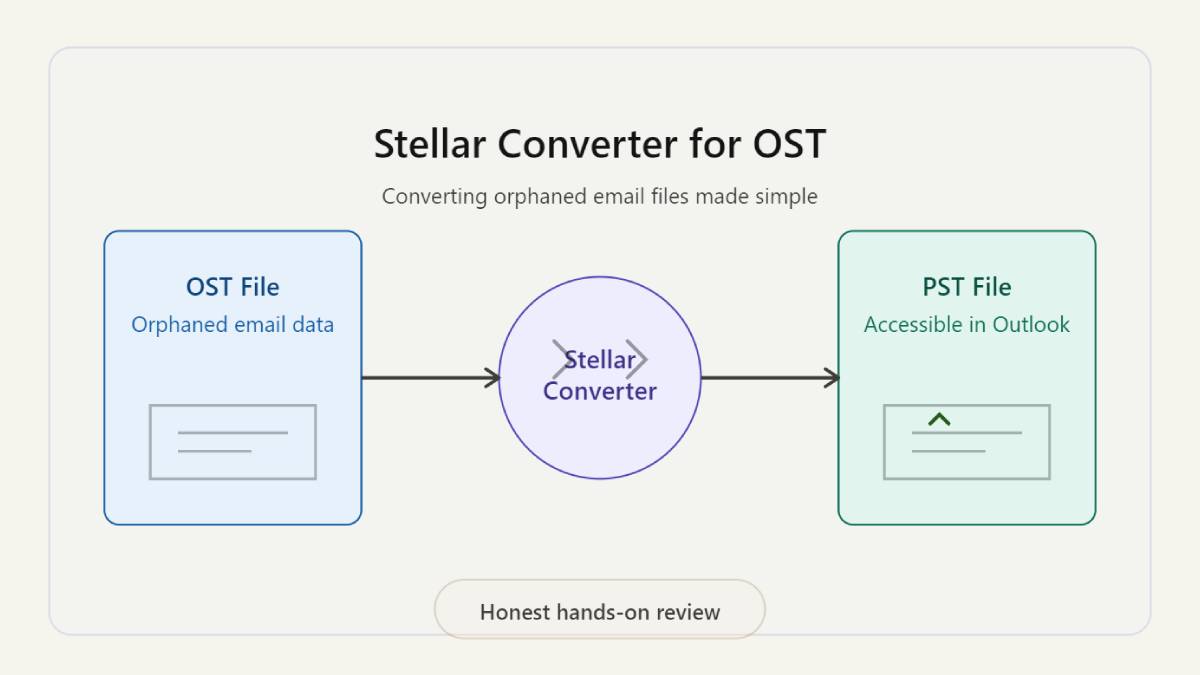
Online OST to PST converter is a tool designed to convert inaccessible or orphaned OST files into PST format without requiring Exchange Server or Outlook access.
I tested this tool in a real-world scenario involving an OST file from a client who had left their organization and no longer had server access. Below is my honest experience using it.
The Problem I Faced
A client approached me with a common but critical issue in IT support workflows:
- An inaccessible OST file
- No access to the original Exchange server
- Important emails, attachments, and calendar data locked inside
At this point, the file was effectively unusable and needed conversion to PST without any server dependency.
Why I Chose Stellar Converter for OST
Before using Stellar, I evaluated a few alternatives:
- A free open-source tool (failed during scan)
- Free OST to PST converter tool by Stellar (best balance of usability and stability)
The main reasons I chose Stellar were:
- No Exchange required
- Simple workflow
- Preview option before download
- Free version available
Setup and First Impressions
Installation was quick and straightforward. The tool opened with a clean interface and a very simple workflow.
There were no unnecessary settings or technical complexity, which makes it suitable even for non-technical users.
The process is basically:
1. Select OST file
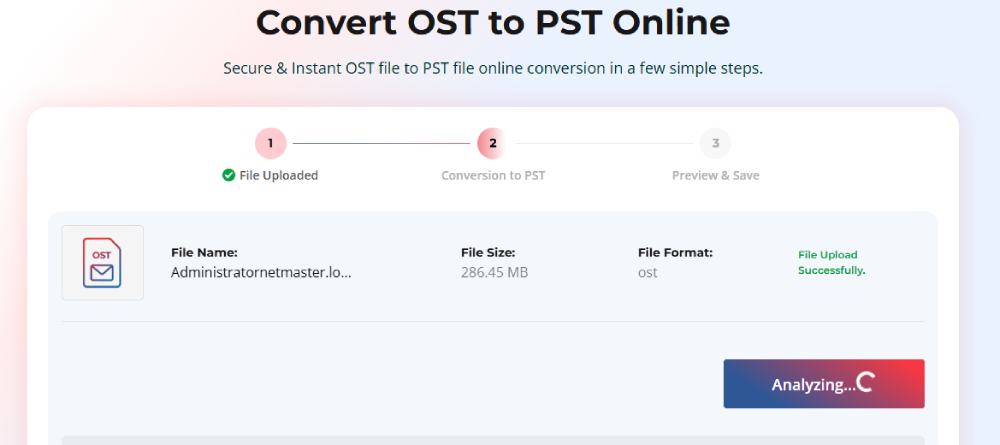
2. Scan and preview
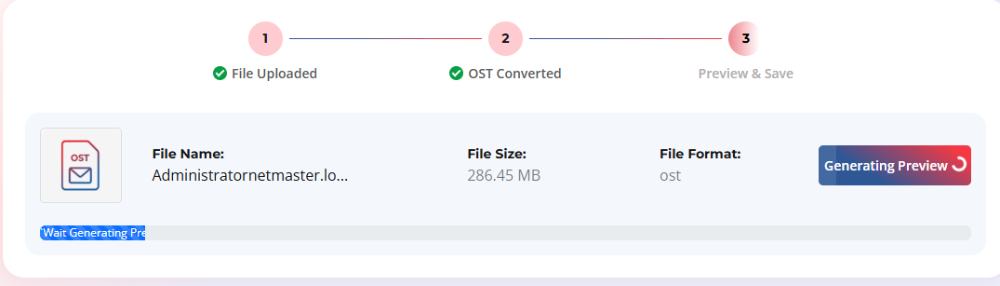
3. Convert to PST
Testing with a Sample OST File
I tested a smaller OST file.
What I observed:
- Fast scanning and loading
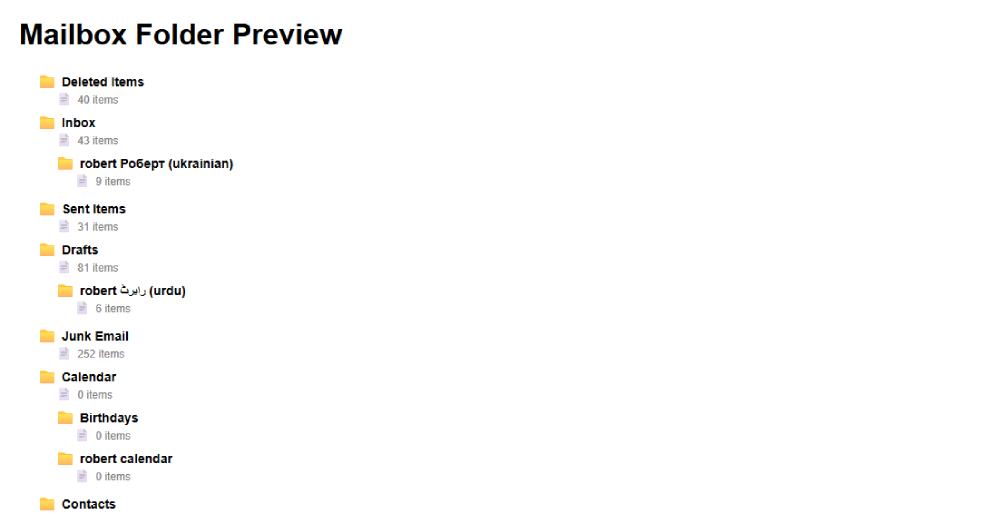
- Proper folder structure detection
- Smooth performance without lag
- Preview feature worked as expected
The preview option was especially useful because it allowed me to verify data before final conversion.
Stellar’s OST to PST Online Converter
| Price | File Size Support | Features | Best For |
|---|---|---|---|
| Free | Up to ~500MB (limited items) | OST scan, mailbox preview, folder structure check | Testing tool / small files |
| $29.99 per file | Up to ~5GB | Full OST → PST conversion, email + attachment recovery, secure processing, PST download | One-time OST recovery |
| From $79/year (desktop alternative) | Large / unlimited (desktop tool) | Advanced options, large file conversion, export to multiple formats | IT admins / frequent use |
Real-World Test: On OST File
This was the actual production test.
Upload Phase
- Took around 15 minutes (depends on internet speed)
- No upload failures or interruptions
Conversion Phase
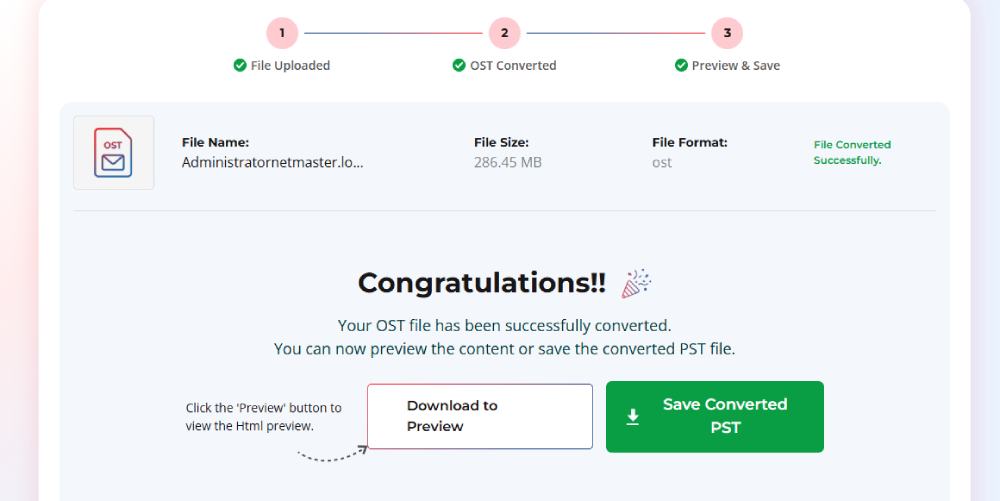
- Completed in approximately 20–22 minutes
- Stable processing throughout
- Around 95%+ data recovery (including emails and attachments)
Despite the file being partially corrupted, the tool handled it well.
Final Output and Outlook Test
After downloading the PST file, I imported it into Outlook for validation.
Results:
- Folder structure remained intact
- Emails were fully accessible
- Attachments opened without issues
- Calendar data was preserved
Overall, the conversion worked smoothly without requiring any manual fixes.
What I Liked
- Works without Exchange Server
- Handles OST files efficiently
- Maintains folder hierarchy accurately
- Preview feature reduces risk of corrupted output
- Good performance
Limitations I Noticed
- 24-hour download window feels restrictive
When This Tool Makes Sense
Based on my experience, this tool is best suited for:
- Users who have left an organization and need old emails
- IT admins handling orphaned OST files
- Exchange server unavailability scenarios
Final Verdict
OST to PST converter online delivers exactly what it promises reliable free OST to PST conversion without requiring Exchange or Outlook.
It handled OST file effectively, maintained data structure, and provided a safe preview before export. The core functionality is solid and dependable.
Rating: 4.8/5
- Performance: 5/5
- Ease of use: 5/5
- Conversion accuracy: 4.8/5
Conclusion
If you are dealing with an orphaned or inaccessible OST file and need a straightforward way to convert and access emails without Exchange dependency, Stellar Converter for OST Desktop Edition is a reliable option worth considering for unlimited file size.
Start with the free version to validate your file, and upgrade if you are working with larger or critical OST files.
Also Read: How Growing Organizations Manage Operational Complexity


The Tech-Savvy Traveler’s Guide to Urban Adventures
Your smartphone has become the ultimate travel buddy for exploring a new city. It’s your map, your translator, your camera,…

Third-Party vs Comprehensive Insurance: Finding the Right Cover for Your Scooter
Your scooter needs reliable insurance that can provide financial protection when any unexpected situation arises. Third-party and comprehensive policies provide…