

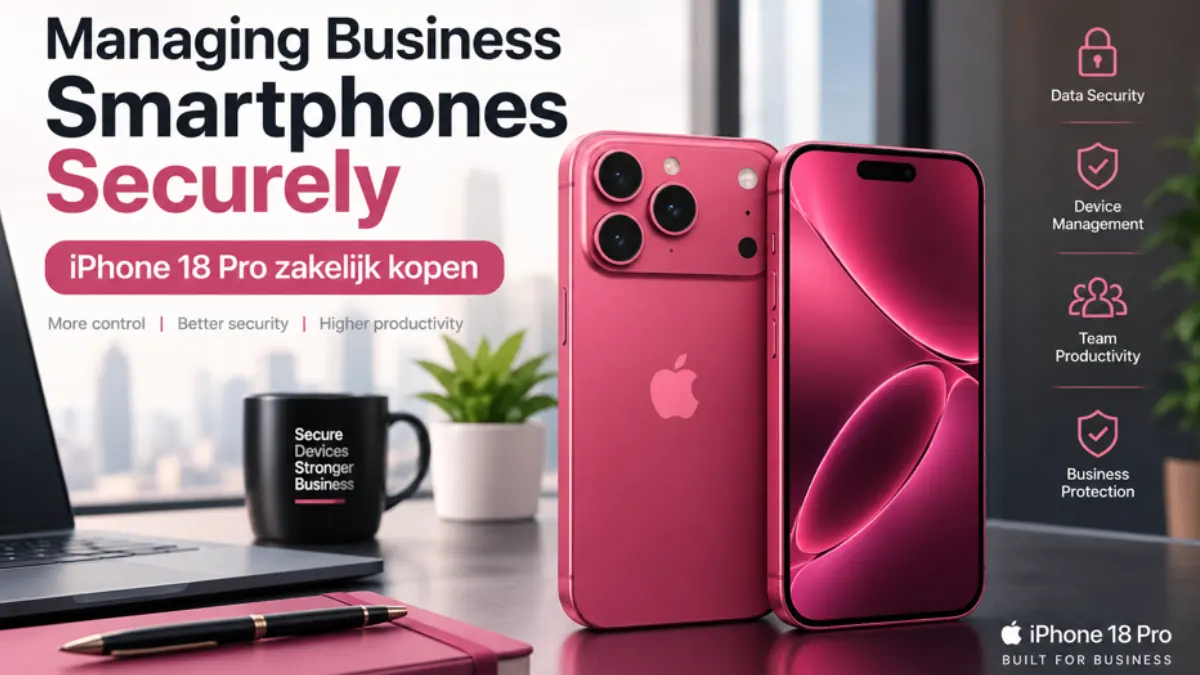
A business smartphone is no longer just a communication device. Email, calendars, authentication, customer data, documents and business applications all come together on the same endpoint. Choosing a new phone is therefore also an IT decision: the device has to fit existing workflows, security policies and management processes.
For a small business with only one or two devices, that may remain relatively straightforward. As the mobile fleet grows, however, organisations need to decide which applications employees require, what data they may access and how devices are managed from initial setup to offboarding.
Match the Device to the Mobile Workload
For organisations evaluating a new business iPhone, Odido’s page on iPhone 18 Pro zakelijk kopen can serve as a starting point. The hardware decision should start with the tasks employees actually perform. One person may mainly need email, calendars and authentication, while another regularly joins video calls, reviews documents, works with customer applications or captures photos and video for projects.
Those differences are more useful than the model name alone. A higher-specification device makes sense when employees repeatedly benefit from its confirmed capabilities during their working day. If the same tasks can be handled comfortably by a standard model, there is little value in adding complexity simply for the sake of having more powerful hardware.
Keep Premium Devices Within the Same IT Framework
For employees with more demanding mobile workflows, Odido’s iPhone Ultra zakelijk offering can be considered within the same device strategy. Whatever hardware is selected, IT should be able to manage it through the same processes as the rest of the fleet. Authentication, app deployment, updates, backups and access to company data should follow a consistent baseline.
A practical approach is to define a limited number of device tiers. A standard tier can cover common communication and office tasks, while a higher-specification tier supports roles with more demanding mobile requirements. This gives employees suitable hardware without creating a different support process for every individual device.
Centralise App Management as the Fleet Grows
Installing and configuring applications manually can work for a handful of phones, but inconsistencies quickly appear as the number of devices increases. Centralised app management through Mobile Device Management allows IT teams to distribute, configure and update business applications without relying on every employee to maintain the same setup.
The aim is not to make every phone identical. It is to create a dependable baseline with required applications, security settings, account configuration and update policies. Teams can then add role-specific tools without losing control of the underlying environment.
Decide Where Business Data Is Allowed to Live
Business Smartphones can easily become unofficial company archives. A customer photo remains in the camera roll, a contract is downloaded from a chat and a presentation stays in a local Downloads folder long after the meeting has ended. Over time, information becomes scattered across devices instead of remaining in the systems designed to manage it.
Define which data may be stored locally and which information should move directly into managed cloud storage, a CRM platform or a project management system. A photo taken for a customer case, for example, is far more useful when it is attached to the correct record than when it remains among hundreds of unrelated images.
This also simplifies offboarding. The less company information exists outside managed applications and approved storage locations, the easier it is to remove access without first having to determine where files may have ended up.
Make BYOD a Policy Decision, Not an Accident
Allowing employees to use personal smartphones can be convenient, but Bring Your Own Device introduces different security and privacy considerations from a fully managed company device. The UK National Cyber Security Centre recommends first deciding what BYOD should be allowed to access and which controls are required before personal devices become part of normal business processes.
A useful BYOD policy therefore goes beyond simply allowing or banning personal phones. It should define which business services employees may access, the minimum security requirements for the device, whether company data may be stored locally and how access can be withdrawn when necessary.
For less sensitive tasks, a personal device may be perfectly workable. Roles that handle confidential information or require tighter control may be better served by company-owned, managed hardware. The decision should follow the data and access requirements of the role rather than convenience alone.
Plan for Failure and Replacement
A business smartphone may also be part of the authentication process for other systems. Loss, damage or hardware failure can therefore interrupt more than mobile communication. IT should know how an employee regains access to essential applications when the primary device is suddenly unavailable.
A spare phone only solves that problem if it can be brought into service quickly. Required apps, accounts and security settings should be reproducible without rebuilding the configuration manually from scratch. Important business data should likewise remain in managed systems rather than depending on the survival of one physical phone.
Include Offboarding in the Device Lifecycle
A well-managed smartphone should be as straightforward to retire as it is to issue. When an employee leaves or a device is replaced, there needs to be a defined process for revoking access, transferring necessary business information, removing managed accounts and wiping or reconfiguring company-owned hardware.
The same process can support reassignment. A device that is still suitable for business use may be prepared for another employee once the previous user’s data and access have been removed correctly. This keeps usable hardware in service without leaving old accounts or information behind.
A Business Smartphone Is Only as Good as the System Around It
The value of a business iPhone is not determined by hardware alone. It comes from the way the device, applications, identity, access controls, data storage and lifecycle management work together.
That changes the purchasing question from “Which phone is best?” to something more useful: “Which device fits this role and our IT environment?” Once that framework is clear, organisations can support different mobile workloads without losing control as the business grows.
Also Read: A Practical Mini Workstation Guide for Proxmox, Containers and Homelab Virtualization


Dynamics 365 Migration: Thinks to Know Before a Single Record Moves
Most migration projects do not fail because the tooling is weak. They fail because the team treated the move as…

Fewer Tabs, Fresher Adverts: What Job Posting APIs Mean for UK Recruitment Teams
Ask any in-house recruiter or agency consultant in the UK where their week goes, and a surprising share of the…