

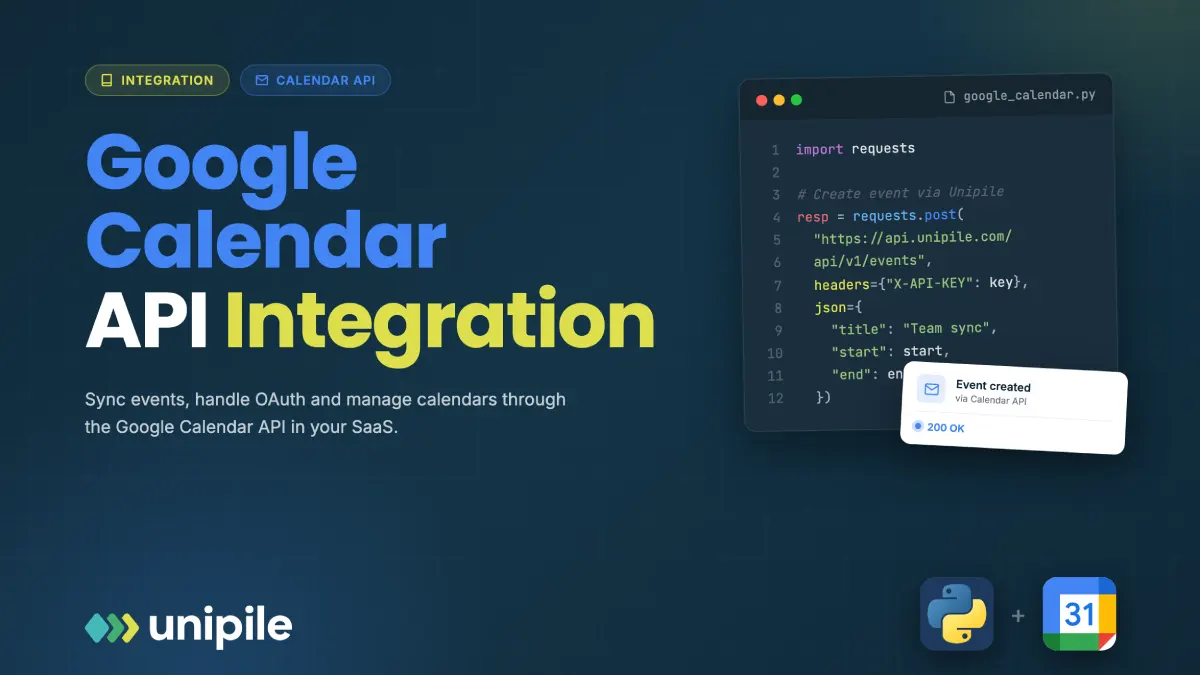
Google Calendar looks like an easy integration until it reaches production. A first create-event call succeeds in minutes, and then reality arrives: recurring meetings that must not multiply, sync that has to stay current without hammering the API, and time zones that quietly shift under daylight saving. This guide is for the developer who has to make a Google Calendar feature feel solid rather than flaky. It walks through OAuth scopes, the events resource, recurring-event handling, sync tokens, push notifications, and the time-zone rules that decide whether bookings land where they should.
Introduction
Connecting your product to a user’s Google Calendar looks like a solved problem until you actually ship it. The REST surface is clean, the reference docs are thorough, and a first “create event” call works in minutes. The trouble starts when you need real-time updates, correct recurring events, and time zones that hold up across daylight-saving boundaries. This guide walks through the parts of the google calendar api integration that decide whether your calendar feature feels solid or flaky in production.
What the API actually gives you
The Google Calendar API is a REST interface over a user’s calendars and the events inside them. The two resources you will touch constantly are calendars (the containers, including the special “primary” calendar) and events (everything that lives on them). Around those sit calendarList (the user’s subscribed calendars), the free/busy endpoint (availability without event detail), and settings (the user’s locale and default time zone). Almost every product feature reduces to reading events, writing events, and being told when events change.
OAuth 2.0 and scopes: the first wall
Before any call, you need an OAuth 2.0 token with the right scope. Google splits calendar access into a small set of scopes: read-only versus read/write, and full-calendar versus events-only. Request the narrowest scope your feature needs. An app that only shows availability should not ask for full read/write over every calendar, because broad scopes make Google’s app-verification review slower and make users more likely to decline consent.
Calendar scopes are classified as sensitive, which means that once you go past your own test users, Google requires app verification: a brand review, a privacy policy, and a security assessment appropriate to the data you touch. Budget real calendar time for this, not an afternoon. The token handling itself is standard: store the refresh token securely, exchange it for short-lived access tokens, and handle revocation, because users can withdraw consent from their Google account at any time.
The events resource in practice
Create, read, update, delete on events is straightforward on the surface:
- events.insert to create
- events.get and events.list to read
- events.patch (partial) or events.update (full) to modify
- events.delete to remove
The details are where you spend time. events.list is paginated and takes filters like timeMin, timeMax, and orderBy. A patch only touches the fields you send, which is safer than a full update that can silently wipe attributes you did not include. Every event also carries an etag, and you can send it back with an If-Match header so a write fails instead of clobbering a change someone else made in the meantime. On a shared calendar, that optimistic-concurrency check is not optional.
Recurring events and the trap of instances
Recurring events are where naive integrations break. A weekly standup is stored once, as a single event with an RRULE, not as fifty-two copies. When you list events, you choose: fetch the recurring “master” as one object, or ask the API to expand it into instances by setting singleEvents to true. If a user drags one occurrence to a new time or deletes it, that occurrence becomes an exception with its own instance record pointing back to the master through a recurring event id.
The rule of thumb: use expanded instances when you render a calendar or compute availability, and operate on the master when you want to change the whole series. Editing a single instance, editing “this and following”, and editing the whole series are three different write patterns, and getting them wrong is how users end up with a meeting that reappears after they thought they cancelled it.
Keeping state in sync without hammering the API
If you cache events, you need incremental sync, and Google gives you sync tokens for exactly this. The pattern is: do one full list of a calendar, store the nextSyncToken it returns, then on later calls pass that token to receive only what changed since. Far cheaper than re-fetching everything on a timer.
Two failure modes to design for. First, deletions arrive as events with a “cancelled” status, not as missing objects, so your reconciliation has to remove them from the cache explicitly. Second, a sync token can expire; when it does, the API returns a 410 response, and the only correct reaction is to discard your token, run a fresh full sync, and store the new one. Treat 410 as a normal, expected branch, not an error to page someone about.
Push notifications instead of polling
Polling for changes wastes quota and adds lag. The API supports push notifications through watch channels: you register an HTTPS callback for a calendar, and Google posts a lightweight ping to it when something changes. The ping does not contain the change itself, it tells you “something moved on this calendar”, and you respond by running an incremental sync with your stored token.
Watch channels have a bounded lifetime and must be renewed before they lapse, so you need a background job that re-registers channels ahead of expiry. Your callback endpoint also has to verify the channel and resource identifiers Google sends, and it must return quickly, because slow responses get treated as failures. Push plus sync tokens is the combination that gives you near real-time updates without polling.
Time zones: the detail that quietly breaks bookings
Time zones cause more calendar bugs than any other single factor. A timed event stores start and end as a dateTime plus an IANA time zone id such as Europe/Paris, while an all-day event uses a plain date with no time or zone. If you store only a UTC instant and drop the named zone, you will get the wrong wall-clock time the moment a daylight-saving change lands between creation and display.
Practical rules that hold up: always keep the named time zone alongside the timestamp, render times in the viewer’s own zone rather than the organizer’s, and treat all-day events as date-only rather than midnight-to-midnight in some assumed zone. Recurring events make this sharper, because a “9am every Monday” series has to stay at 9am local through DST transitions, which only works if the rule is anchored to a named zone rather than a fixed offset.
Attendees and invitation responses
Meetings are rarely solo. When you add attendees to an event, Google can send invitations on your behalf, and each attendee carries a responseStatus that moves through needsAction, accepted, tentative, and declined. If your product shows who is coming, you have to read those statuses back, and you have to decide whether creating or updating an event should actually notify people. The sendUpdates parameter controls that, and defaulting it wrong is how a quiet schema change ends up emailing a hundred guests at 2am. Treat “does this write notify humans” as a deliberate choice on every create and update, not an accident of the default.
There is also the organizer-versus-attendee distinction. Your app can only fully manage events on calendars where the connected user is the organizer; on events they were merely invited to, the fields you can change are limited to their own response. Build that constraint into your UI so you never present an edit control that the API will reject.
Quotas, rate limits, and retries
Every Google Calendar integration runs against per-project and per-user quota, and you will hit limits during bursts: a bulk import, a busy Monday morning, a customer syncing a large calendar for the first time. The API signals this with 403 and 429 responses carrying rate-limit reasons, and the correct response is exponential backoff with jitter, not an immediate retry that makes the pileup worse.
Design writes to be idempotent where you can, so a retry after an ambiguous timeout does not create a duplicate event. A common pattern is to generate the event id yourself rather than letting Google assign one, which turns a retried insert into a safe no-op instead of a second copy. The teams who handle quota gracefully are the ones whose calendar features stay reliable under load, exactly when users are paying most attention.
What to plan for before production
A consolidated walkthrough of google calendar api integration is worth reading end to end before you commit to an architecture, because the pieces interact: scopes affect verification, verification affects your timeline, sync tokens affect your webhook design, and time zones touch all of it. The failure modes are rarely in a single call, they are in how the calls fit together over weeks of real usage.
If you also need Outlook or other calendars, the calculus changes again, because none of the above transfers. Microsoft Graph has its own permission model, its own change-notification system, and its own event schema. Teams that need more than one calendar provider often reach for a unified layer so they normalize events, OAuth, and webhooks once instead of maintaining a separate stack per provider. Whether you build directly on Google or abstract it, the same fundamentals decide quality: least-privilege scopes, incremental sync over polling, correct recurring-event handling, and time zones you never treat as an afterthought.
Also Read: The Ways Drones Can Help Businesses Improve Project Oversight


How Cultural Organisations Can Build a Useful Guest-Publishing Strategy
Guest publishing can help a cultural organisation reach people beyond its own website, but the value depends on more than…

How AI Image Generation Is Changing the Way We Create Visual Content
Creating high-quality images used to require a combination of design skills, expensive software, photography equipment, and plenty of time. Today,…