

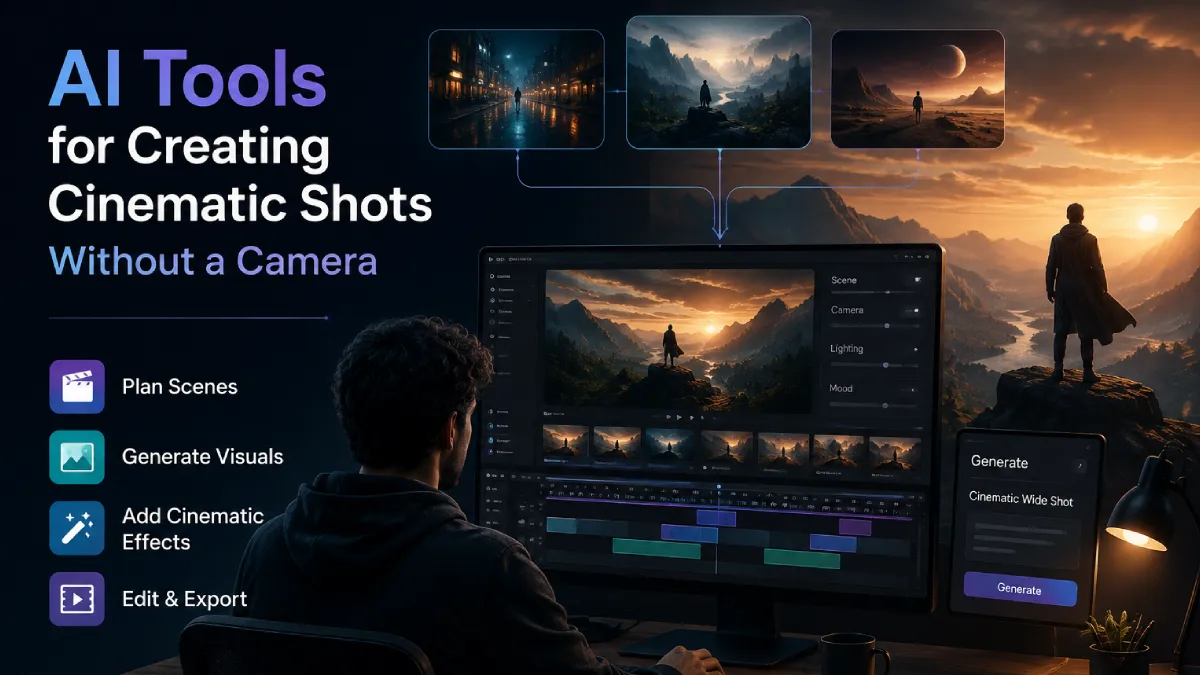
Creating cinematic shots traditionally requires cameras, locations, lighting setups, production crews, and long preparation cycles. For many creators, the biggest challenge is not having ideas but turning those ideas into visually polished scenes without access to expensive equipment or large teams.
AI video tools are changing this process by helping creators generate camera-like shots from concepts, references, and scripts. These tools can assist with everything from planning scenes and designing visuals to creating complete sequences with cinematic movement.
This list covers AI tools that help filmmakers, marketers, and creators produce cinematic shots without a physical camera, focusing on creative control, consistency, workflow support, and practical use cases.
How We Evaluated These Tools
The tools were evaluated based on:
- Cinematic quality and control over camera movement
- Ability to maintain consistency across multiple shots
- Support for references, images, and creative direction
- Workflow features beyond simple generation
- Suitability for filmmaking, ads, and branded content
- Ease of moving from an idea to a finished video
Best AI Tools for Creating Cinematic Shots Without a Camera
| Tool | Best For | Key Strength |
| Invideo Agent | Complete AI filmmaking workflows | Project memory and production assistance |
| Runway | Creative video generation | Advanced visual effects and editing |
| Pika | Short cinematic clips | Fast creative experimentation |
| Luma Dream Machine | Realistic motion generation | Natural camera movement |
| Krea AI | Visual exploration | Real-time creative iteration |
1. Invideo Agent
Creating cinematic shots is not only about generating attractive frames. Filmmakers also need continuity, planning, character consistency, and control over how every scene connects. Invideo Agent is designed around this broader production workflow, acting more like an AI filmmaking collaborator than a simple generation tool.
It helps creators move from an idea or script into a complete video process by assisting with writing, planning, generating, and editing. The system keeps project context, including characters, locations, references, and visual style, so creators do not need to redefine every detail for each shot.
Key points:
- Maintains project memory for characters, environments, and visual direction
- Helps create storyboards, shot plans, character designs, and cinematic sequences
- Supports role-based AI agents for different creative tasks
- Allows creators to direct the outcome instead of writing detailed technical prompts
For creators who want cinematic images before generating videos, invideo Agent can also help create visuals using models such as GPT Image 2.0. The workflow supports generating images that hold up to real use with ChatGPT Image 2.0, including reasoned layouts, accurate details, and outputs up to 4K in different formats. Instead of manually crafting prompts, the agent can handle the prompting process based on the creative direction.
Invideo Agent Two extends this workflow by adding stronger project intelligence and faster creative processing. It is built around the idea of working like a connected creative crew, where different expert agents can handle tasks such as cinematography, casting, storyboarding, and production planning while sharing the same project understanding.
Features
- Project memory across scenes and episodes
- Multi-agent creative workflow
- Shot planning and visual development
- Reference-based generation
- AI-assisted editing through connected workflows
Best for
Filmmakers, agencies, brands, and creators producing multi-scene videos where consistency matters.
Where it falls short
It is designed for structured creative projects rather than quick one-off clips.
Pricing
Pricing depends on the selected invideo plan.
2. Runway
Runway is known for combining AI video generation with creative editing tools. It allows users to generate clips from text and image references, making it useful for exploring cinematic ideas without filming.
Creators can experiment with camera movements, scene transformations, and visual effects that would normally require production resources. It is often used for concept development, short sequences, and creative experiments.
Features
- Text-to-video and image-to-video generation
- Visual effects workflows
- Creative editing tools
- Reference-based generation
Best for
Creators who want to experiment with cinematic concepts and visual effects.
Use cases
- Concept videos
- Short cinematic clips
- Creative advertisements
Where it falls short
Maintaining complete continuity across long projects may require additional planning and manual adjustments.
Pricing
Offers paid plans with different usage limits.
3. Pika
Pika focuses on making AI video creation accessible for creators who want to quickly transform ideas into short visual sequences. It is useful for testing concepts, creating social content, and exploring different visual styles.
The platform works well for creators who want fast results without managing complex production workflows.
Features
- Text and image-based video creation
- Style experimentation
- Short-form video generation
- Simple creative controls
Best for
Social media creators and marketers testing visual ideas.
Use cases
- Short promotional clips
- Creative concepts
- Social media visuals
Where it falls short
It may not provide the deeper production planning and continuity tools needed for larger cinematic projects.
Pricing
Available through subscription-based plans.
4. Luma Dream Machine
Luma Dream Machine focuses on creating realistic video movement from text and image inputs. It is useful for creators who want natural motion, camera-like movement, and visually rich scenes without shooting footage.
The tool can help visualize environments, atmospheric shots, and cinematic concepts before production.
Features
- Text-to-video generation
- Image-to-video workflows
- Realistic motion generation
- Fast visual experimentation
Best for
Creators exploring realistic cinematic sequences.
Use cases
- Environment shots
- Product visuals
- Concept previews
Where it falls short
Creators working on longer narratives may need additional tools for maintaining characters and story continuity.
Pricing
Provides free and paid access options.
5. Krea AI
Krea AI helps creators explore visual ideas through AI-generated images and videos. It is useful during early creative stages when filmmakers are developing looks, moods, and visual directions.
The platform can support concept creation before moving into final production.
Features
- AI image generation
- Visual experimentation
- Real-time creative adjustments
- Style exploration
Best for
Designers, filmmakers, and creative teams building visual concepts.
Use cases
- Mood development
- Creative references
- Early-stage visual planning
Where it falls short
It is more focused on visual exploration than complete filmmaking workflows.
Pricing
Offers different plans based on usage requirements.
How AI Agents Are Changing Creative Workflows
AI is moving beyond individual tools and becoming part of larger creative systems. The growth of agentic AI transforming enterprises shows how businesses are adopting AI systems that can understand goals, manage workflows, and support decision-making across different teams.
In creative production, this shift means AI tools are becoming more collaborative. Instead of only generating outputs, newer systems can help manage planning, revisions, assets, and production decisions across a project.
How to Choose the Right Tool
Choose based on your production goal:
- For complete filmmaking workflows: Choose tools that support planning, continuity, and editing.
- For quick visual experiments: Use lightweight generation platforms.
- For cinematic previews: Look for strong image-to-video and motion control features.
- For brand campaigns: Prioritize consistency and asset management.
Common Mistakes to Avoid
- Choosing a tool only based on visual quality
- Ignoring continuity requirements for multi-scene projects
- Not checking editing and workflow features
- Expecting AI generation alone to replace creative direction
Final Thoughts
AI tools are making cinematic production more accessible by reducing the need for traditional camera setups, locations, and large production teams. However, the best results come from combining AI generation with strong creative planning.
For creators making simple experiments, lightweight tools may be enough. For filmmakers and teams building complete stories, tools with memory, workflow support, and production control offer a more practical approach.
The future of cinematic creation is not only about generating better shots. It is about giving creators better ways to direct, refine, and complete their vision.
FAQs
Can AI create cinematic shots without a camera?
Yes. AI video tools can generate cinematic scenes from text prompts, images, scripts, and references. They can help create camera movements, environments, and visual sequences without traditional filming equipment.
Are AI-generated cinematic shots useful for filmmakers?
Yes. Filmmakers can use AI-generated shots for concept development, pre-visualisation, storyboarding, and even final creative projects depending on their requirements.
Can AI maintain character consistency across scenes?
Some advanced AI workflows focus on maintaining characters, locations, and visual styles across multiple shots. This is especially important for films, series, and branded content.
Do AI video tools replace filmmakers?
No. AI tools assist filmmakers by speeding up production tasks. Creative decisions, storytelling, and artistic direction still require human input.
Can AI create camera movements and cinematic effects?
Many AI video tools can simulate camera movements, visual effects, and cinematic styles based on creative instructions and references.
What should creators consider before choosing an AI video tool?
Creators should consider their project size, required consistency, editing needs, output quality, and how much creative control they need throughout the workflow.


Adam Back Denies Being Satoshi Nakamoto
A British cryptographer has supposedly been outed as the creator of Bitcoin. According to the New York Times, Adam Back…
The Tech-Savvy Traveler’s Guide to Urban Adventures
Your smartphone has become the ultimate travel buddy for exploring a new city. It’s your map, your translator, your camera,…